
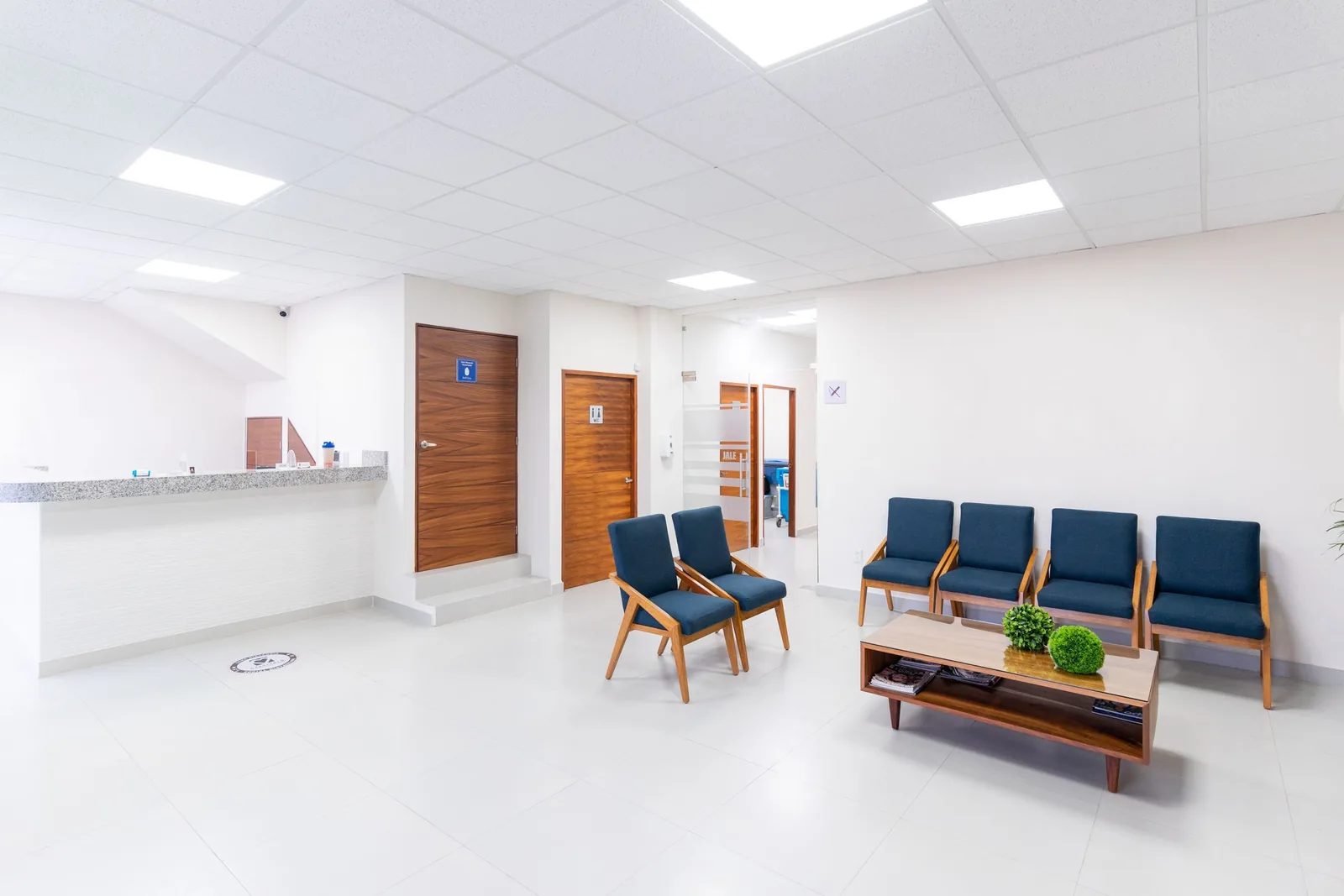
Patient Access Hub
Patient Access Hub is a small device that plugs into your office internet connection. Patients join your practice Wi-Fi. Their phone browser opens so they can sign in or create a HealthLynked account, choose their provider, and check in.
Your staff uses a web dashboard to see who has checked in and to notify patients when it is their turn.
What your practice gets
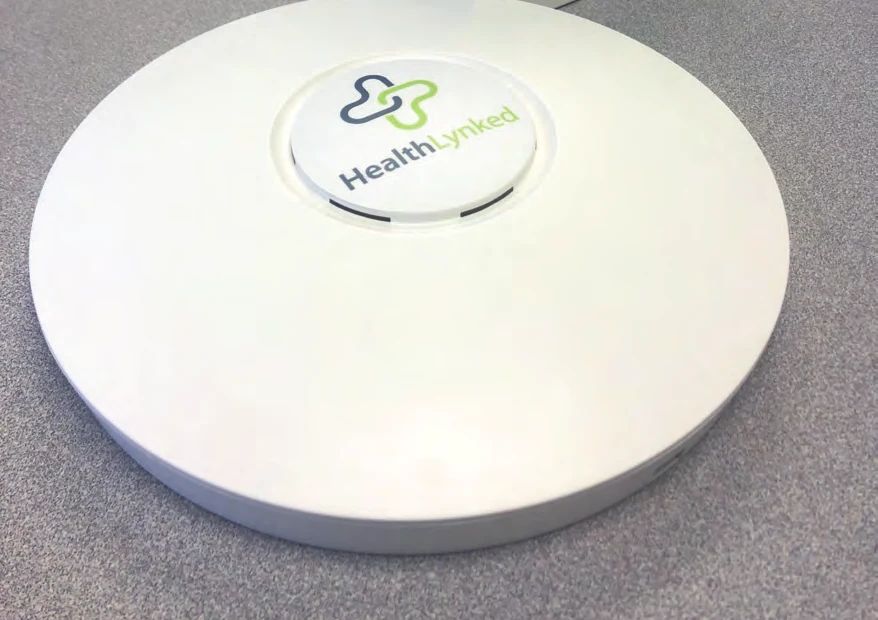
Patient Wi-Fi
Waiting-room Wi-Fi for patients. Patients sign in or create a HealthLynked account to connect.
Phone check-in
After joining the Wi-Fi, patients check in from their phone browser. A separate app install is not required for hub check-in.
Staff dashboard
See checked-in patients in a browser at checkin.healthlynked.com.
How setup works
The hub ships ready to connect. Instructions are in the box.
- 1
Plug in the PoE adapter
Connect the power adapter to an outlet.
- 2
Connect the hub
Cable the adapter to the hub and to your office router or wall internet jack.
- 3
Open the Wi-Fi
After a few minutes, the practice Wi-Fi appears. Patients join; their phone browser opens so they can register or sign in.
Need help during setup? Call support at 800-928-7144.
Check-in for patients and staff
Once the hub is connected:
- Patients select the practice Wi-Fi. Their phone browser opens so they can register or sign in.
- They choose their provider and enter a mobile number.
- Staff see each checked-in patient on the web dashboard.
- Staff can notify patients when it is their turn.
Staff login
Open checkin.healthlynked.com in a browser and sign in with your practice credentials. Support can issue a staff passcode at 800-928-7144.
Wi-Fi tools
Wi-Fi password and settings are managed at networks.healthlynked.com.
Shipping and support
Patient Access Hub ships to practices. Setup help and staff passcodes are available by phone at 800-928-7144.
Questions about Patient Access Hub?
Reach out and someone will get back to you.